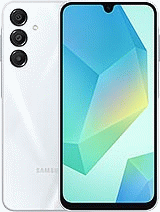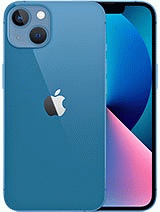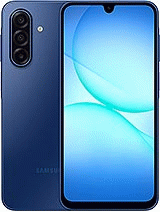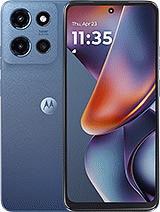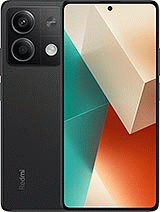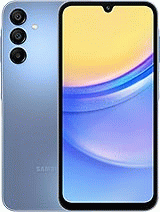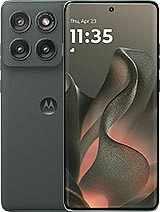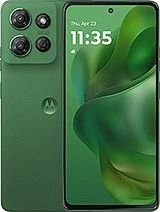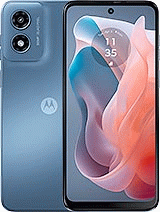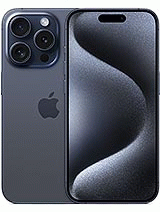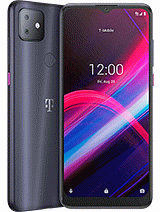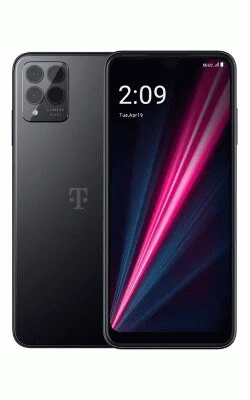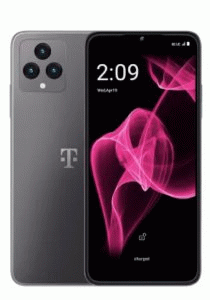

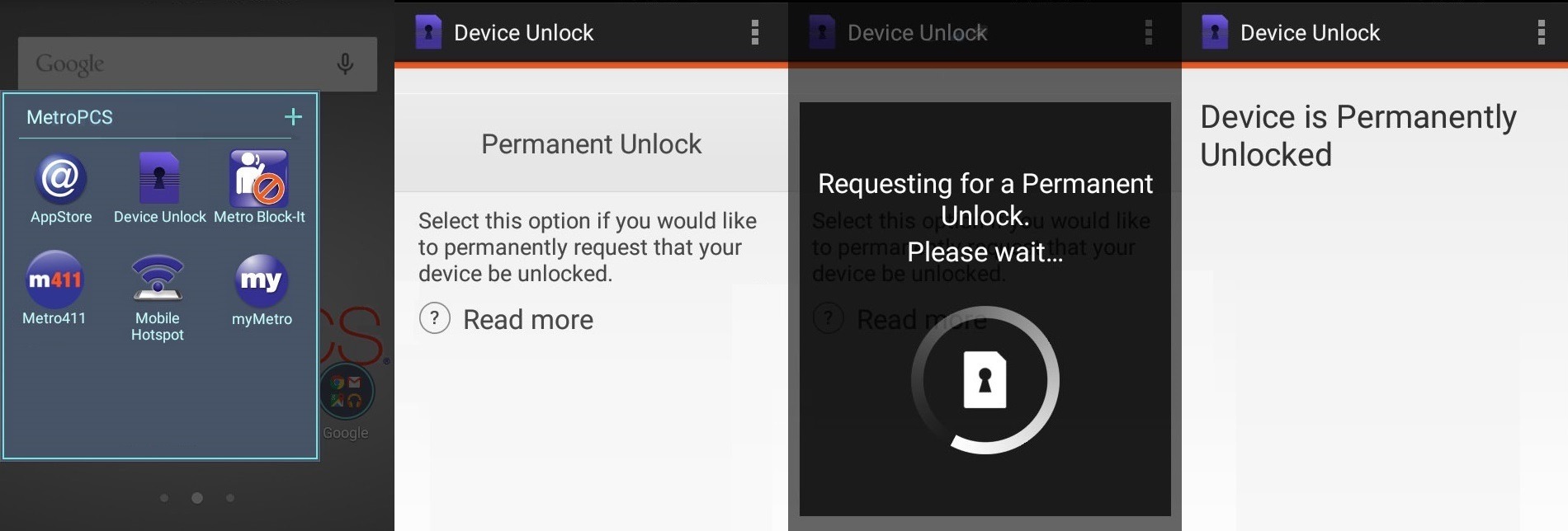
Most new MetroPCS phones has pre-installed with the official Device Unlock application, this unlocking is a fast and reliable service, and you do not need to type any code, after buying the unlocking authorization that we sell, you simply must enter the app and press the Permanent Unlock button.
If the model does not have the Device Unlock app installed and when inserting a wrong SIM card requests the SIM network unlock PIN, this model will be unlocked typing the unlocking code that we send you.
If you are the device original owner and meet the contract months, you can call the metroPCS customer center to request the authorization to unlock with Device Unlock app.
If, on the other hand, you do not meet these requirements, you can also unlock your mobile phone with our company in a few hours and from your home.
Yes, of course, once the unlocking is complete you can use your equipment with any operator and country in the world, such as Canada, Europe, Australia, Africa, China, etc...
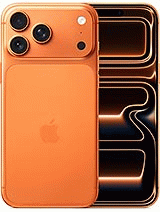
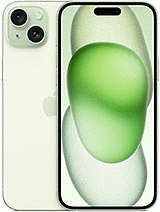
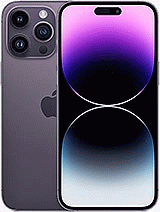
We can unlock all apple devices like iPhone 15 Pro, 15 Plus, 14 Pro Max, 14 Plus, 13, Pro Max, 13 mini, 12 Pro Max, 12 mini, 11, XS Max, XR, X, 8 Plus, 8, 7, 6S, 6.... this devices can be unlocked through Wi-Fi or 4G/3G internet connection.
1) Connect the device to internet
2) Go metroPCS folder and Device Unlock app
3) Press Permanent Unlock and wait a few seconds
4) Device shows Unlock Approved.
5) Press Restar Now and your phone is now unlocked!
It is quite common for users facing issues with their phone to be unsure whether the problem is due to a SIM network lock or a blacklisted IMEI. That’s why it’s important to understand the difference between both cases.
If your device is network locked by MetroPCS, it means it will only work with SIM or eSIM cards from this carrier. When you insert a SIM card from another provider, the phone will display a message stating that it is restricted to MetroPCS. However, with a MetroPCS SIM card, your phone will work normally. To use it with other networks, you need to request a SIM network unlock. Once unlocked, your device will accept any SIM or eSIM worldwide.
On the other hand, if you cannot make calls even with a MetroPCS SIM, it means your phone is blacklisted and its IMEI is blocked. This usually happens if bills or contracts are not paid, or if the device is reported lost or stolen. In these cases, MetroPCS is the one reporting the IMEI to the blacklist.
The service to remove a blacklist report or clean the IMEI with MetroPCS is available in certain situations. We recommend using our free tool to check your IMEI and confirm the exact status of your device.

© 2026 Grupo Redmobile S.L · Terms · Terms & Conditions · Cookies