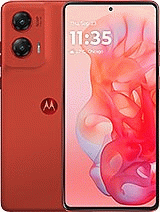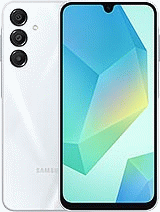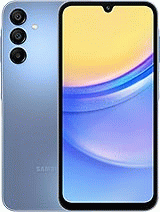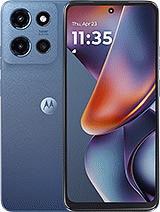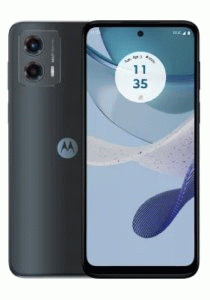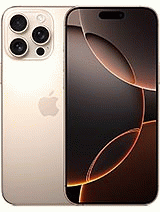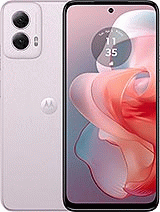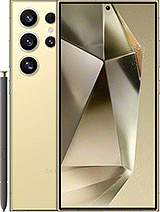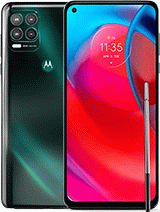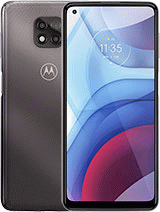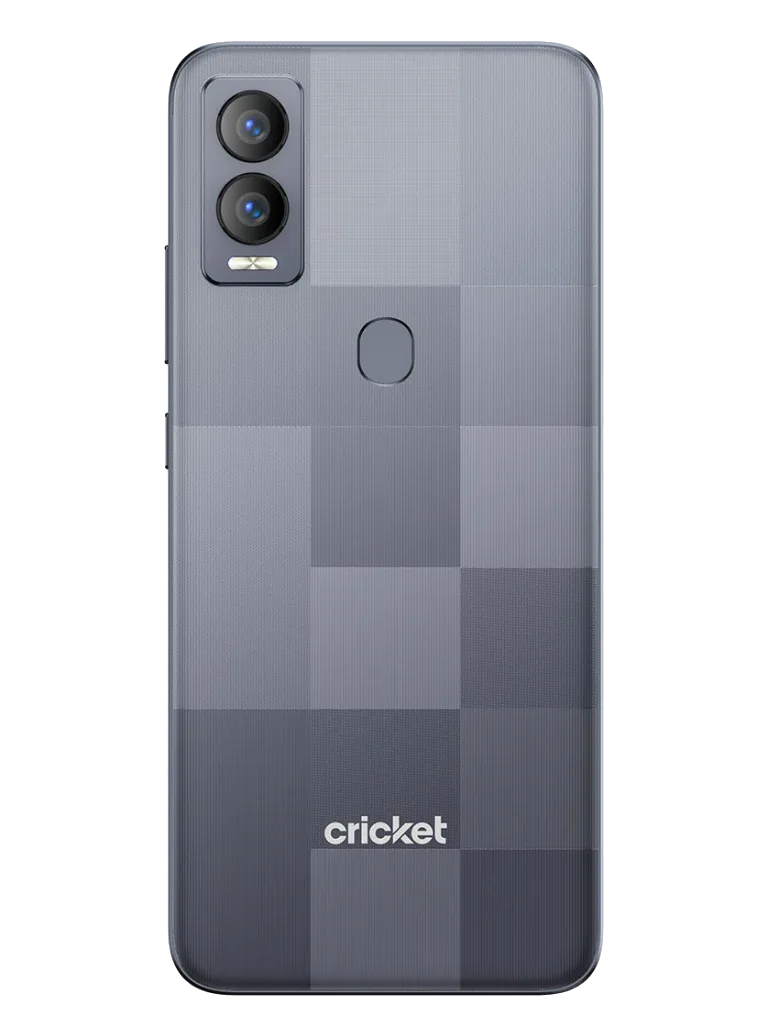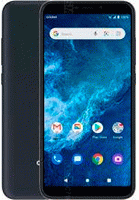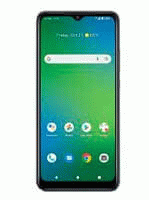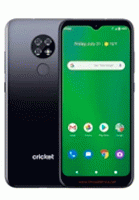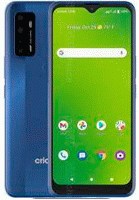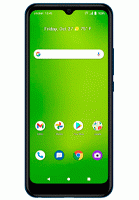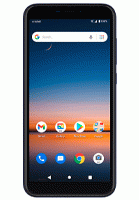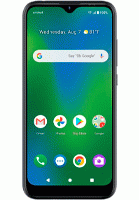

The process for unlocking a Cricket phone for free can vary depending on the phone model and the specific policies of the company.
Check if your phone is eligible for unlocking: Cricket has certain policies that determine if a phone can be unlocked. For example, it must be active on Cricket's network for at least 6 months and must be a device compatible with Cricket's network. You can check eligibility on Cricket's website or by calling their customer service.
If you have trouble unlocking your phone by calling Cricket, you can also consider third-party services that can unlock your phone for a fee.
Movical.Net guarantees your SIM unlock at the best price.
Cricket does not provide the unlock code before 6 months on prepaid lines, nor before completing the contract term. If you are not the original owner, they will not provide the SIM unlock either. Therefore, we recommend our website to get the code from day one.
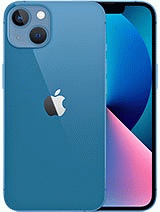
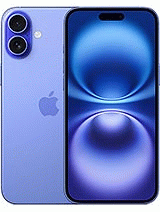
Our unlock is official, the same as offered by the Cricket operator. Simply authorize the IMEI unlock, and that's it. Just insert a SIM from another carrier, connect to the internet, and the iPhone will be unlocked forever. We can unlock any iPhone Air, 17, 17 Pro Max, 16 Plus, 16 Pro Max, 15 Plus, 15 Pro Max, 14, 14 Pro Max, 14 Plus, 13, 13 Pro, 12, 11, SE 2020, XS, iPhone X, etc...
Yes, all Cricket phones currently sold have the necessary bands to be used with any carrier in any country. Once we send you the unlock code, the phone will be permanently unlocked, allowing you to switch carriers as many times as you want.
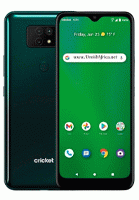
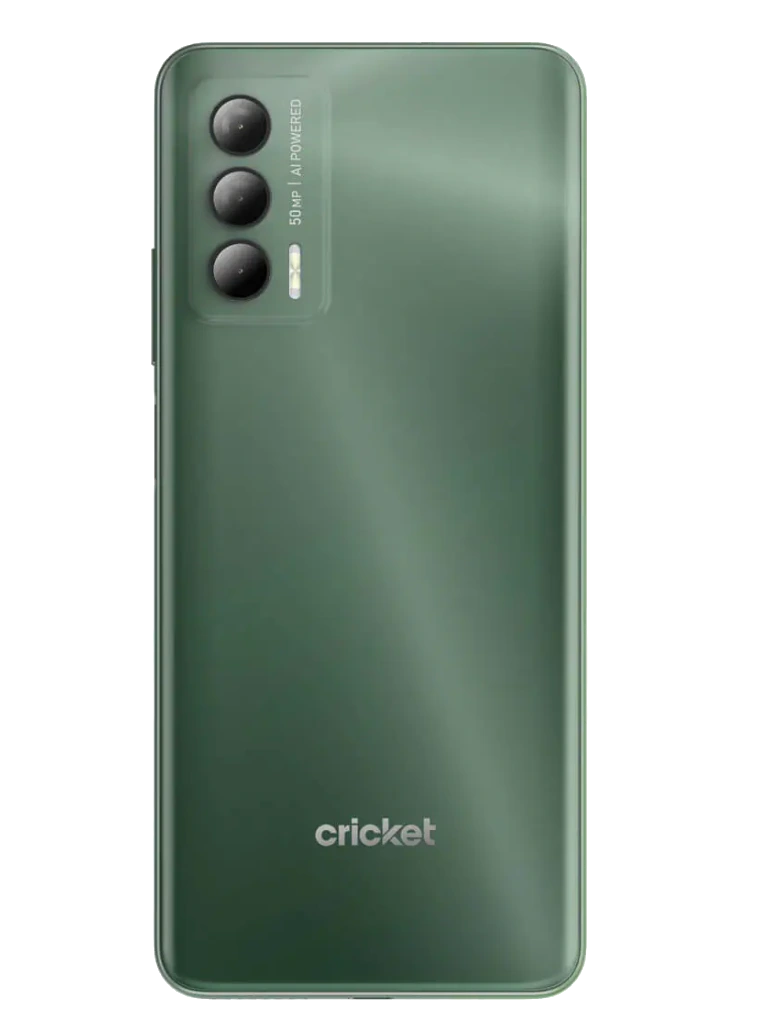
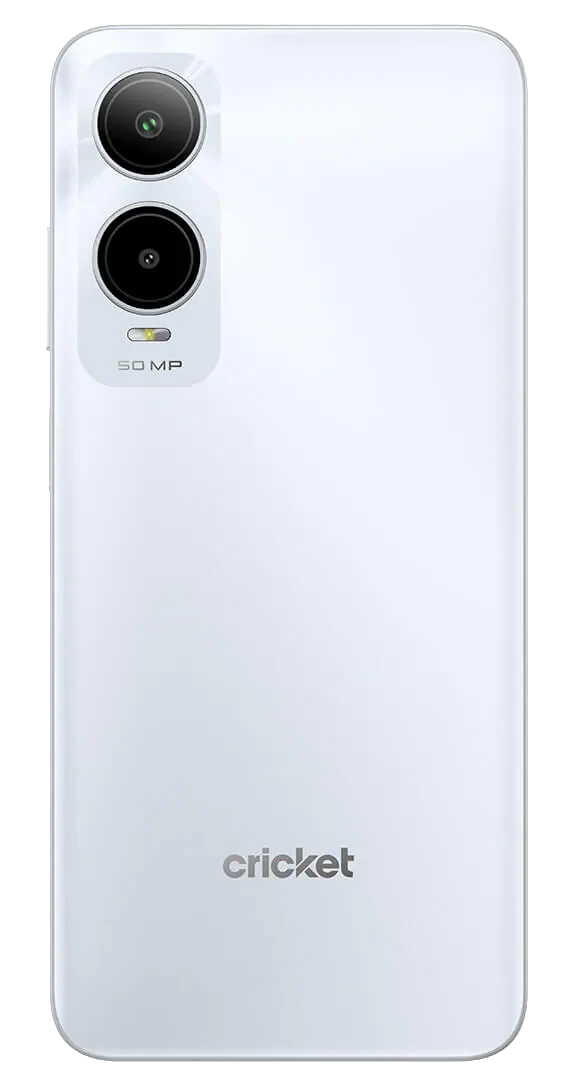
Some of the new Android models from Cricket come with the official Device Unlock app installed. This unlock is very easy, fast, and reliable, as there is no need to enter any code. After purchasing the unlock authorization we sell, you simply need to enter the application and press the unlock button.
However, if your device does not have the Device Unlock app and asks for the Network Unlock PIN when inserting a SIM card from another carrier, it means your model can be unlocked simply by entering the unlock code we send to your email.
Many users who experience issues with their phones often don’t know whether the problem comes from a SIM network lock or a blacklisted IMEI. That’s why it’s essential to clearly understand both situations.
If your device is network locked by Cricket Wireless, it means it will only work with SIM or eSIM cards from this carrier. When you insert a SIM card from another provider, the phone will display a message indicating that it is restricted to Cricket Wireless. However, with a Cricket Wireless SIM card, your phone will work normally for calls. To use the device with other networks, you need to request a SIM network unlock. Once unlocked, your phone will work with any SIM or eSIM worldwide.
If, on the other hand, you cannot make calls even with a Cricket Wireless SIM, it means the device is blacklisted, and its IMEI has been blocked. This usually happens when bills or contracts are not paid, or if the device is reported as lost or stolen. In such cases, Cricket is the one reporting the IMEI to the blacklist.
The service to remove a blacklist report or clean the IMEI with Cricket is available in certain cases. We recommend using our free tool to check your IMEI and verify the exact status of your device.

© 2026 Grupo Redmobile S.L · Terms · Terms & Conditions · Cookies