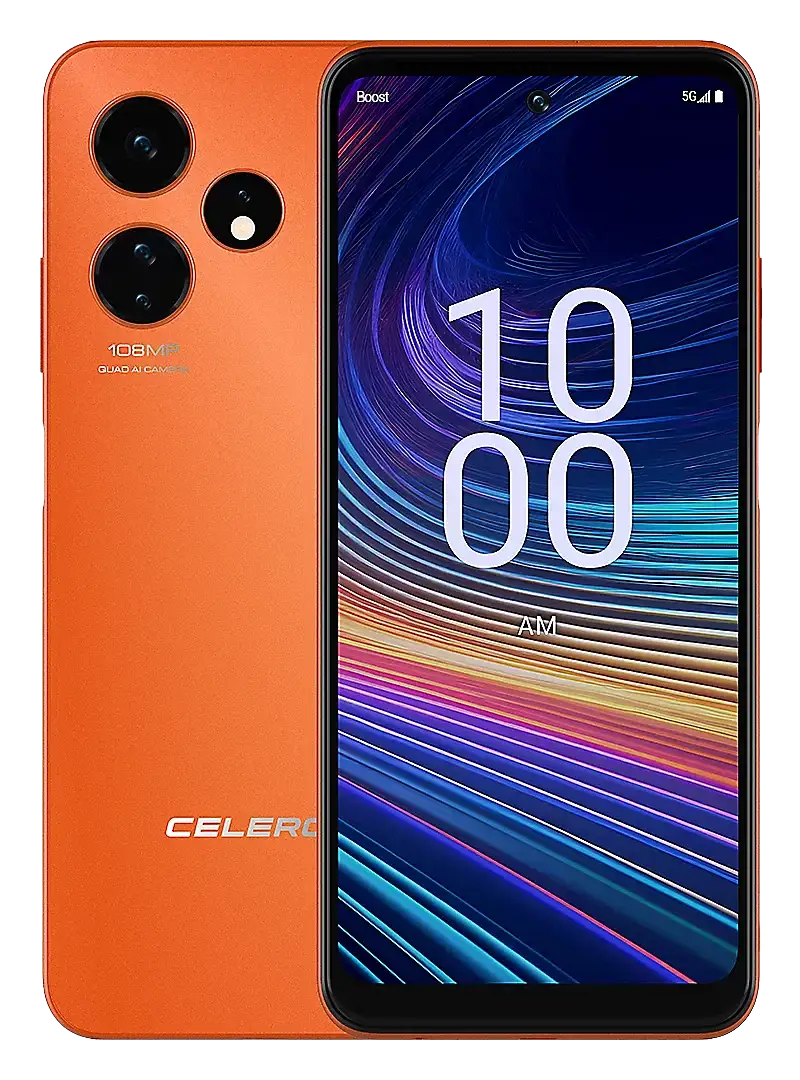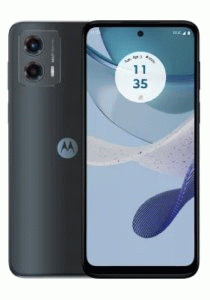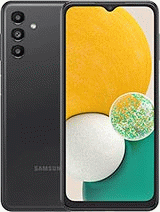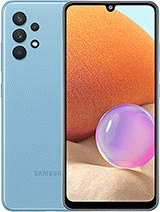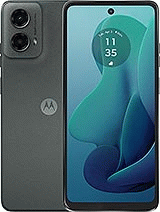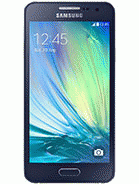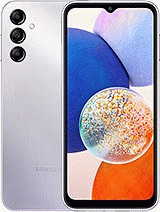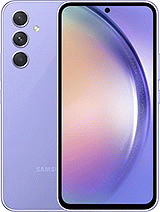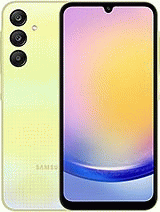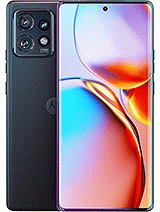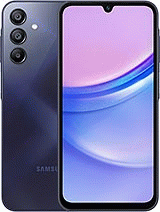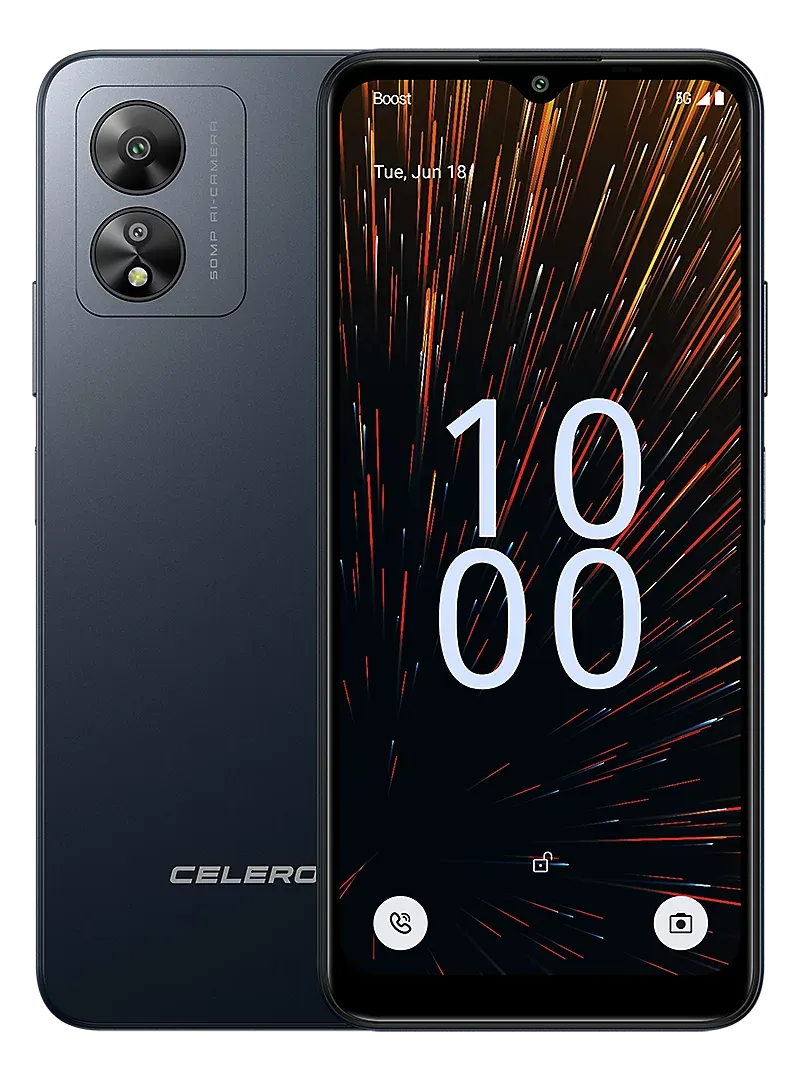

In order for Boost Infinite to unlock your phone for free, you must meet the following requirements:
Once you have met these requirements, you can contact Boost Mobile to request the unlock of your phone.
If you do not meet these requirements, don't worry, Movical.Net can unlock virtually any Boost Infinite mobile phone, depending on the model, the unlocking method varies.
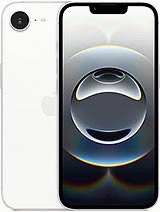
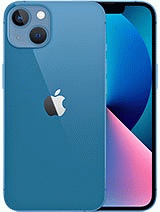
iPhones are not unlocked with an unlocking code, they are unlocked through an unlock authorization, and any Boost Mobile iPhone Air, 17, 17 Pro Max, 16 Plus, 16 Pro Max, 15 Plus, 15 Pro Max, 14 Pro Max, 14 Plus, 13 Pro, 13, 12, 12 mini, 11, 11 Pro Max, XS, X, 8 Plus, 8, 7, 6S, 6, 5S, 5C, 5 can be unlocked through IMEI when Apple's authorization is approved, simply by inserting another carrier's SIM card and connecting it to the internet.
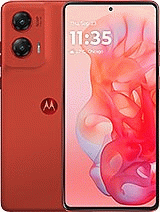
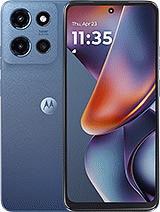
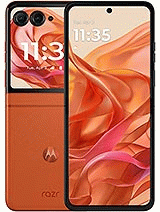
Many Boost Infinite models from brands such as Samsung, LG, Motorola, OnePlus, Google, CAT or Sonim can be remotely unlocked, but it must be done by software.
Many users who experience issues with their phones often get confused about whether the problem is related to a SIM network lock or a blacklisted IMEI. Understanding the difference between both restrictions is essential.
If your device is network locked by Boost Mobile or Dish Mobile, it means it will only work with SIM or eSIM cards from these carriers. When you insert a SIM card from another provider, the phone will display a message indicating that it is restricted to Boost Mobile / Dish Mobile. However, with a Boost Mobile or Dish Mobile SIM card, the phone will work normally for calls. To use it with other networks, you must request a SIM network unlock. Once unlocked, the phone will accept any SIM or eSIM worldwide.
On the other hand, if you cannot make calls even with a Boost Mobile or Dish Mobile SIM, it means the phone is blacklisted, and its IMEI is blocked. This usually happens if the device owner fails to pay for the plan/contract, or if the phone is reported as lost or stolen. In such cases, Boost Mobile or Dish Mobile reports the IMEI and places it on the blacklist.
The service to remove a blacklist report or clean the IMEI for Boost Mobile / Dish Mobile is available in some situations. To check the exact status of your device, we recommend using our free tool to check your IMEI and find out if your phone can be unlocked or cleaned.

© 2026 Grupo Redmobile S.L · Terms · Terms & Conditions · Cookies